
iOS Development
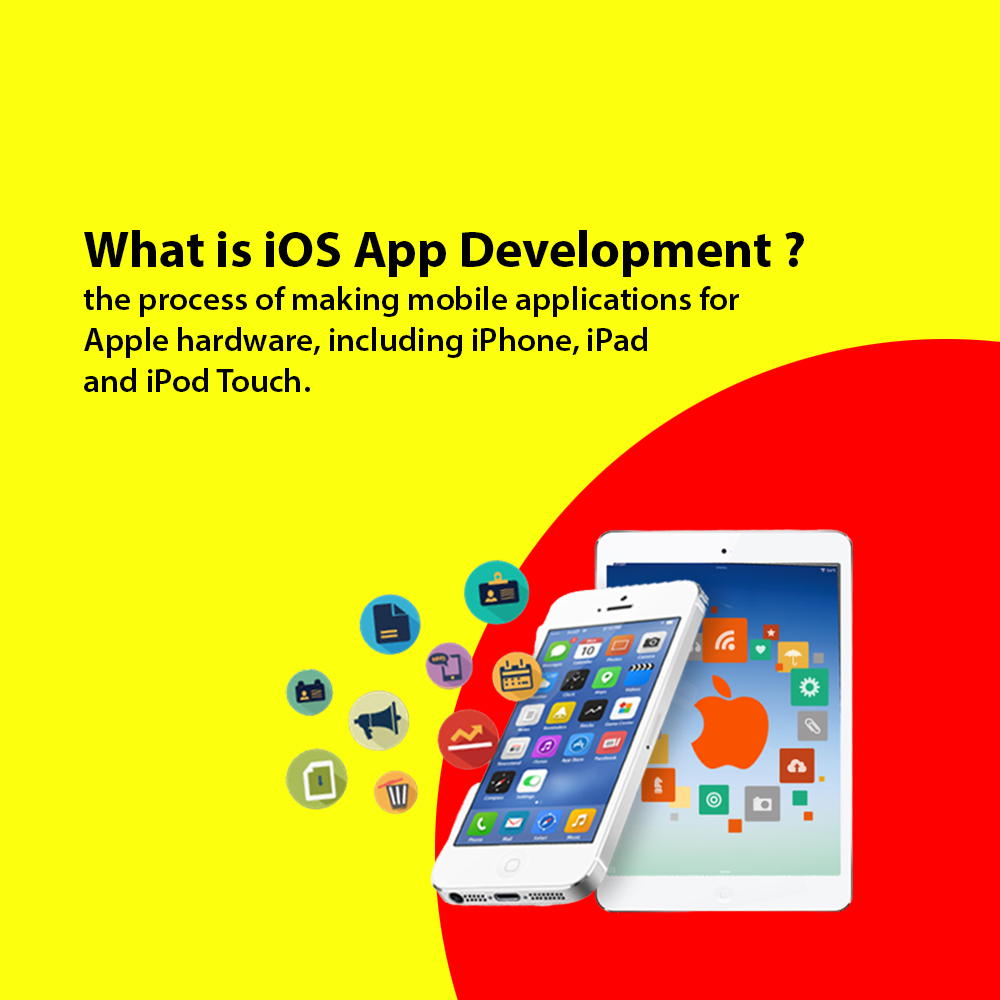
iOS application development is the process of making mobile applications for Apple hardware, including iPhone, iPad and iPod Touch. The software is written in the Swift programming language or Objective-C and then deployed to the App Store for users to download. iOS development involves using Apple’s official development tools and programming languages, such as Swift or Objective-C, to build native iOS apps.
Here are the key components of iOS development:
- Xcode
- Swift or Objective-C
- iOS SDK
- Design Guidelines
- App Store
Similar to Android development, iOS development also has two main approaches: native development and hybrid development:
1. Native iOS Development: Native iOS development involves building iOS apps using programming languages such as Swift or Objective-C and iOS development frameworks such as UIKit and Cocoa Touch. These apps are specifically designed to run on iOS devices and can take full advantage of the platform’s capabilities.
2. Hybrid iOS Development: Hybrid iOS development involves building apps that use web technologies such as HTML, CSS, and JavaScript, wrapped inside a native container. Hybrid apps can be built using frameworks like Apache Cordova or React Native and are designed to run on both iOS and other platforms.
iOS Architecture’s Layers- The different layers are illustrated in this diagram as follows
Core OS
All the iOS technologies are developed based on the low-level foundation supplied by the Core OS layer. These technologies include the Security Services Framework, External Accessory Framework, Core Bluetooth Framework, Accelerate Framework, Local Authorization Framework, etc.
Core Service
In the cure services layer, there are a variety of frameworks. Details about some of these are presented as follows
Core Motion Framework: The Core Motion framework is used to access all motion based data on the device.
Core Data Framework: The Core Data framework is used to manage the data model of the model view controller app.
Core Location Framework: This framework provides the location and heading information to the different apps.
Core Foundation Framework: This is where the iOS applications get their data management and service functionality.
Cocoa Touch: The frameworks provided by the Cocoa Touch layer are as follows:
EventKit Framework: The standard system interfaces for viewing and altering calendar-related events using view controllers are shown in this diagram.
GameKit Framework: This enables users to exchange their game-related data on the internet via Game Center.
MapKit Framework: This provides a scrollable map that can be incorporated into the app’s user experience.
CloudKit Framework: The CloudKit framework can be used to transfer data between the app and the iCloud.
Address Book Framework: The Address Book framework provides access to the user’s contacts database.
HealthKit Framework: This new framework can handle the user’s health-related data.
AV Kit: This provides a variety of user-friendly video presentation interfaces.
Media Player Framework: This framework supports playlist playback and allows the user to access their iTunes library.
UIKit Graphic: This supports the creation of designing images and animating of view content.
Core Graphics Framework: This is the native drawing engine for iOS apps, and it supports both 2-D vector and image-based rendering.
Core Animation Framework: The app’s animation experience is enhanced with the Core Animation technology.